
AI Video Localisation
The goal of localised video is to match the viewing experience of the original, while sounding native to the target audience.
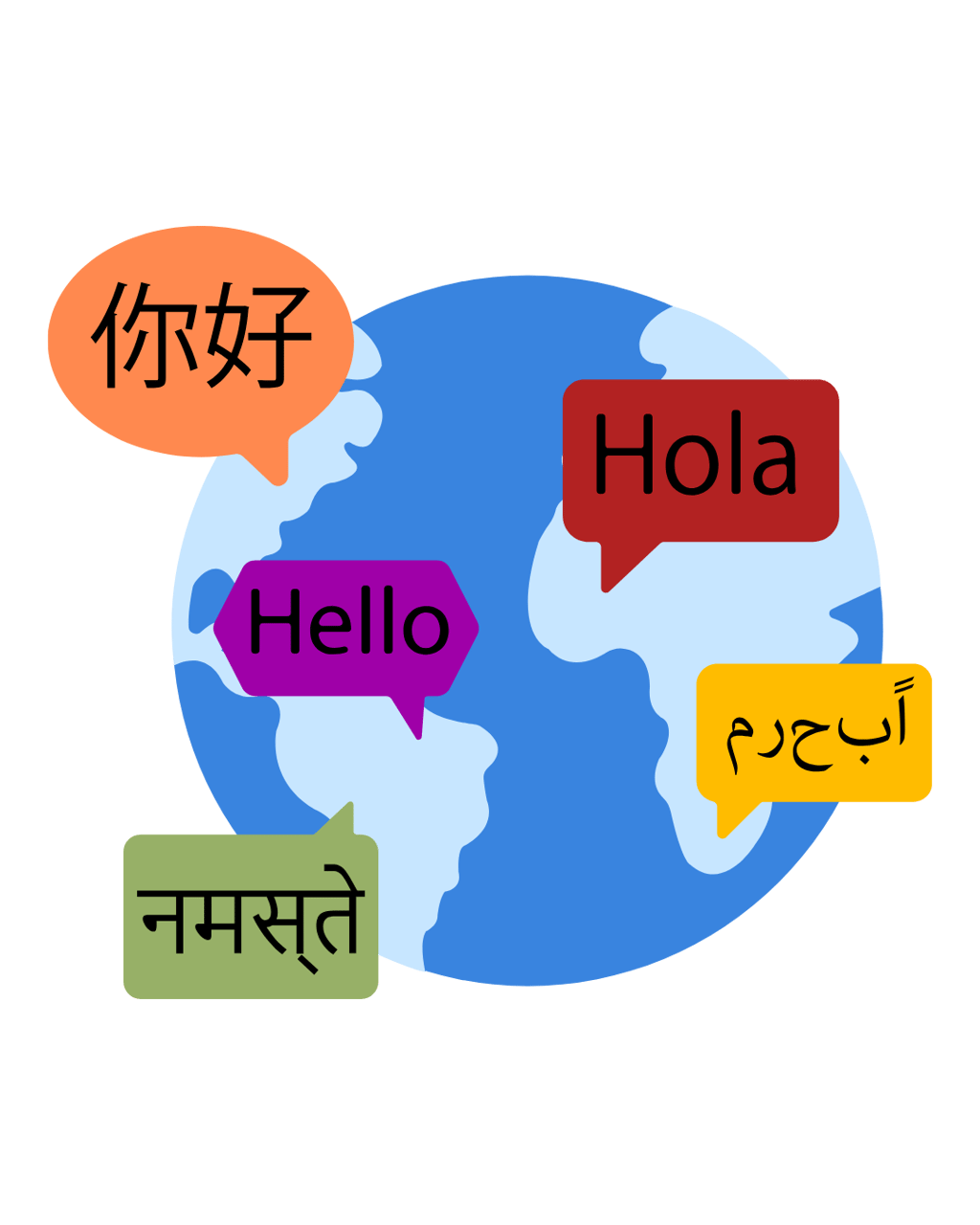
What is localised video?
A localised video is a version of an original video that has been adapted so it feels natural in another language or region, not just translated.
It may include translated subtitles, dubbed audio or voiceover, on screen text changes, timing and pacing adjustments, optional lip sync, and human review for accuracy, pronunciation, and brand tone.
How Video Localisation Works
AI video localisation, also spelled video localization, is AI for video localization, it adapts a video for new languages and regions. This typically uses AI localisation techniques for video content such as transcription, translation, subtitle alignment, dubbing, pacing fixes, lip sync, and human review.
It goes beyond simple translation by adjusting subtitles, dubbing, lip sync timing, and phrasing so the result feels natural to the target audience. Human review is often used to catch accuracy, pronunciation, and brand tone issues.
AI video localisation is commonly used for training, marketing, product updates, internal communications, and global content distribution.
Subtitles vs Dubbing vs Lip Sync
Subtitles work best when you need speed, accessibility, and low cost, and when the audience can read comfortably while watching.
Dubbing works best when you want a more natural viewing experience, especially for training, product demos, and presenter led content.
Lip sync dubbing adds realism by aligning mouth movements with the new audio, which matters most in close up, talking head, or high trust videos.
A simple rule of thumb is subtitles for fastest rollout, dubbing for the best experience, and lip sync when on camera delivery needs to feel native.


Why localise your video content
Organisations often create strong video content that cannot be reused globally without significant effort. This usually sits inside a broader AI assisted content workflow.
AI video localisation helps solve problems such as:
High cost of producing separate videos for each language
Slow turnaround for translated or dubbed content
Inconsistent tone across regions
Limited reach due to language barriers
Manual workflows that do not scale
How to create a localised video, step by step
An AI video localisation workflow follows a structured sequence to produce a localised video that feels natural in the target language.
1) Extract the speech and create a transcript
Speech recognition converts the original audio into text. This transcript becomes the base layer for translation and adaptation.
2) Translate the transcript
The transcript is translated into the target language, focusing on meaning rather than word for word conversion.
3) Localise the language and delivery
Localisation refines phrasing, tone, and terminology so the message lands naturally for the audience. Cultural references, pacing, and formality are adjusted where needed.
4) Create subtitles or new audio
Subtitles, voiceover, or dubbing are generated and aligned to the video. This can include subtitles synced to timing, AI generated voiceovers, and AI video dubbing and lip sync that replaces the original speech.
5) Apply lip sync if required
If the video is presenter led or a close up, lip sync can adjust mouth movements to better match the new audio and improve realism.
6) Produce and export the final localised video
The new audio or subtitles are combined with the original video, then exported ready for publishing.




What is localisation in video editing
In video editing, localisation is the set of changes that make a translated video feel native, not just understandable.
Translation vs Localisation in Video Content
AI video translation is the translation step inside localisation. Localisation also adapts tone, phrasing, and timing for the target region.
Translation converts spoken words from one language to another.
Localisation adapts the delivery so the content feels natural and appropriate for the audience.
In video, localisation may include:
Adjusting sentence length for natural pacing
Choosing region specific terminology
Matching tone to cultural expectations
Maintaining consistency across multiple videos
Common Tools Used in AI Video Localisation
AI video localisation workflows may include tools for:
Speech recognition
Machine translation
Voice synthesis
Subtitle generation
Lip sync adjustment
Video editing and rendering
The exact toolset depends on the use case and quality requirements.
AI Video Localisation vs Manual Localisation
Manual localisation relies on human translators, voice actors, and editors. While high quality, it is slow and difficult to scale.
AI video localisation:
Reduces production time
Lowers cost per language
Enables faster iteration
Works best when paired with human review
AI supports the process, but oversight remains important for accuracy and tone.
Where AI Video Localisation Is Used
AI video localisation is most valuable when the same message needs to land clearly across regions, without rebuilding the video for each language.
Marketing and campaigns
Run one campaign across multiple markets with localised video versions that preserve the original intent, pacing, and tone.
Training and eLearning
Deliver consistent training content in multiple languages, while keeping terminology, instructions, and captions aligned.
Product and customer onboarding
Localise explainers, walkthroughs, and help content so global users can follow steps accurately, including on screen text and UI labels.
Internal communications
Share leadership updates, policy changes, and company wide messages across international teams, with subtitles or dubbing that feel natural to each audience.




Limitations and Considerations
AI video localisation still requires careful management.
Considerations include:
Reviewing output for accuracy
Ensuring compliance and disclosures are correct
Managing voice likeness and permissions
Maintaining accessibility standards
AI accelerates localisation, but responsibility for the message remains with the publisher.
Quality Control and Human Review
AI output should be reviewed before publishing, especially for brand, compliance, and technical content. Common checks include:
Transcript accuracy and missing words
Terminology consistency, product names, and UI labels
Tone and formality for the target region
Timing and readability of subtitles
Pronunciation, numbers, dates, and acronyms in dubbing
Lip sync alignment for on camera segments
Final export checks, captions, and accessibility requirements
This keeps AI fast while ensuring the final video stays accurate and on brand.
Summary
AI video localisation uses artificial intelligence to adapt video content for different languages and regions efficiently.
By combining translation, localisation, and automated video production, teams can scale video communication globally without rebuilding content from scratch.